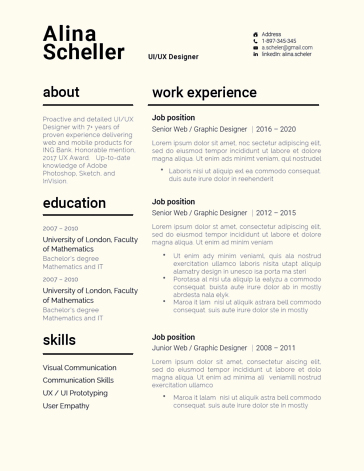
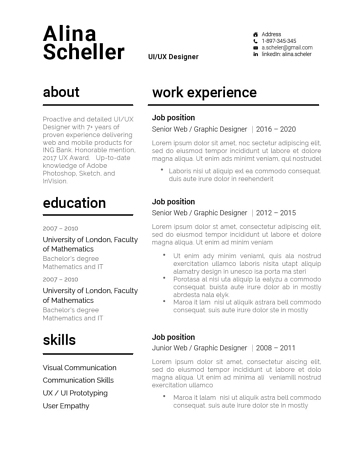
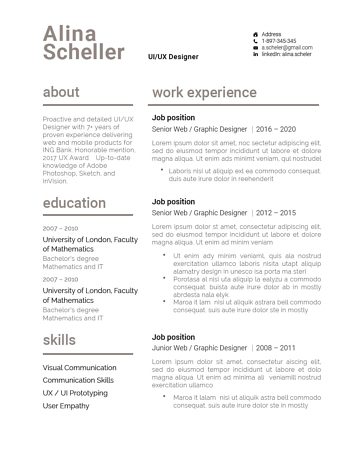
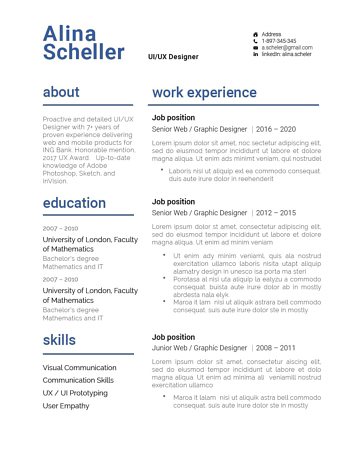



















- No products in the cart.
Modern Resume Templates
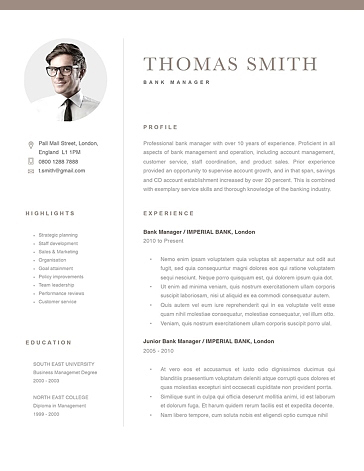
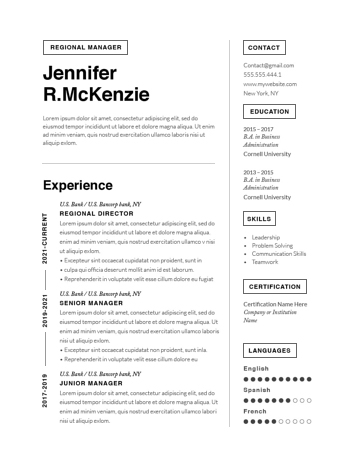
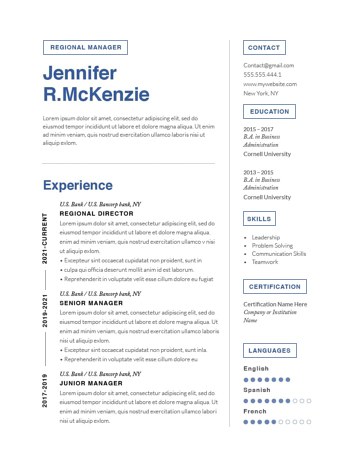
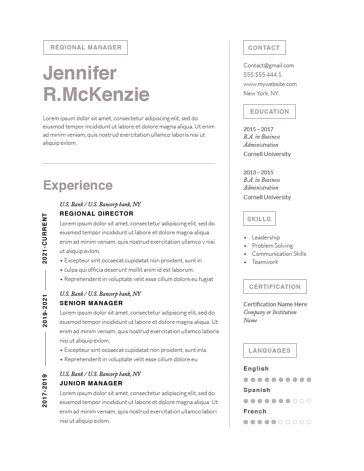
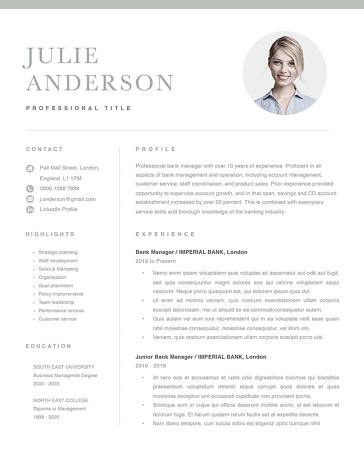
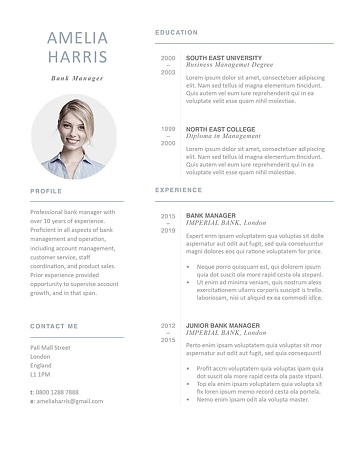
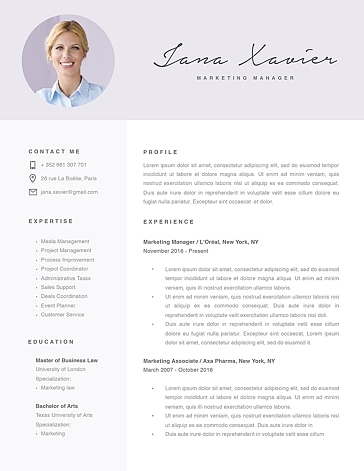
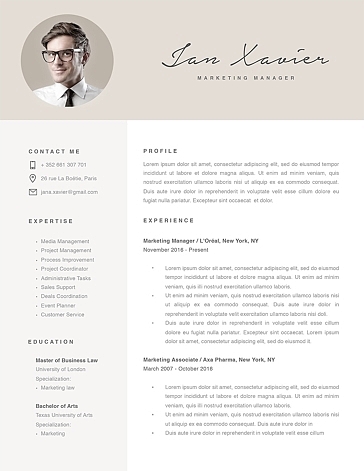
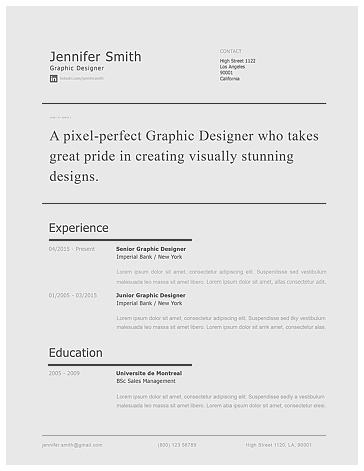
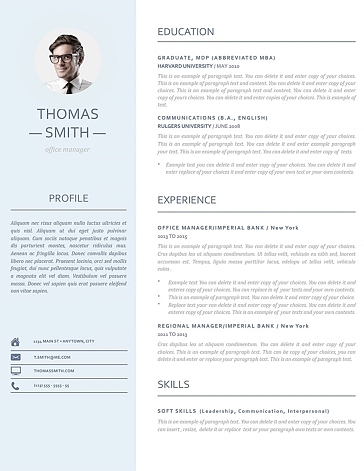
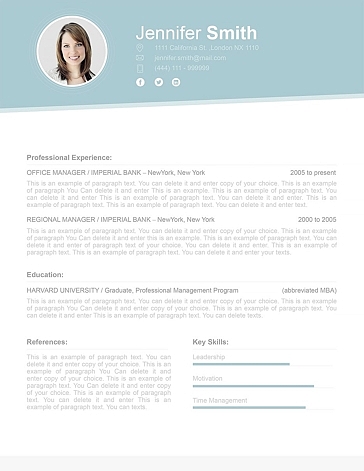
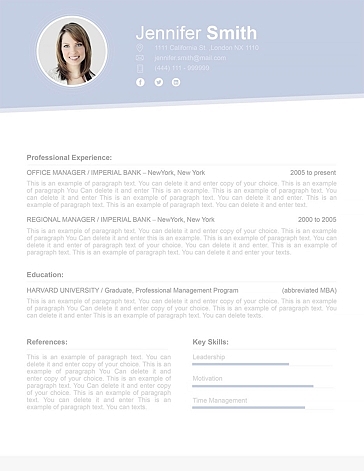
Modern resume templates are designed to make your resume stand out.
Modern Resume Templates for Word and Pages
A modern resume template uses typography, spacing, and restrained color to make your career story easy to follow. The strongest layout gives recruiters a clear path through your qualifications: what you do, where you’ve done it, and what you’ve achieved.
Resumeway’s collection includes editable designs for Microsoft Word and Apple Pages. Choose a template with enough room for your relevant experience, then check the individual product description for included file formats before purchasing.
Choose a layout that fits your experience
Start with the content you need to include. A preview with short sample paragraphs may look spacious, but your job titles, achievements, and qualifications need to fit comfortably once you replace them.
For experienced professionals: Prioritize space for work history. Your most recent roles should accommodate achievement bullets without shrinking the text or squeezing dates into narrow columns. A large name banner or oversized skills section can take space away from your strongest evidence.
For graduates and career changers: Look for sections you can adapt for projects, internships, certifications, or relevant coursework. For example, a graduate might use a project entry to explain a research problem, the tools used, and the outcome. Keep employment dates and job titles easy to locate.
For roles where presentation matters: A restrained accent color or distinctive heading style can add personality. Keep portfolio links visible and descriptive so readers can move directly from your qualifications to examples of your work.
Prefer a more traditional appearance? Compare our classic resume templates.
Can a modern resume be ATS-friendly?
Yes, but appearance alone does not establish compatibility with an applicant tracking system. The document’s structure and the way information is stored also matter.
Greenhouse’s parsing guidance identifies columns, complex tables, graphics, headers, footers, and text boxes as possible causes of incomplete resume extraction. For online applications, a straightforward single-column layout is a sensible starting point.
Use familiar headings such as “Work Experience,” “Education,” and “Skills.” Keep your contact details as ordinary text, and describe skills in words rather than relying on icons or rating bars.
After editing, copy the resume into a plain-text document and check the reading order. Do job titles, employers, dates, and bullet points stay together? This can reveal obvious problems, although it cannot guarantee how every hiring system will process the file. Review any automatically populated application fields before submitting.
Make the template work for your application
Replace sample content with evidence that matches the role. Instead of “Responsible for customer service,” explain the work and its scope—for example, “Resolved billing and account queries for business customers, coordinating complex cases with the finance team.” Add numbers when you can substantiate them.
Keep formatting consistent as you edit. Use the same date style throughout, align comparable headings, and check page breaks after adding your information. If a role spills onto the next page, revise repetitive content before reducing the font size.
Follow the employer’s file instructions when submitting. Your editable Word or Pages document is the working version; the application may require a different accepted format.
Frequently Asked Questions
Should I choose a one-page or two-page resume?
Choose the length your relevant experience needs. One page can suit an early-career applicant; two pages can give an experienced candidate room to explain progression and results. Avoid forcing substantial work history into a crowded layout.
What colors work best on a modern resume?
Use a restrained accent, such as navy, dark green, or charcoal, for headings and section lines. Keep body text black or dark gray on a white background. Color should make key information easier to find, and your resume should remain readable when printed in grayscale.
What if my content needs work too?
A template provides structure, but your examples make the case for an interview. If you’re unsure what to improve, start with our free resume review before finalizing your design.